

 snapshot.ts
Inspect memory in Chrome DevTools
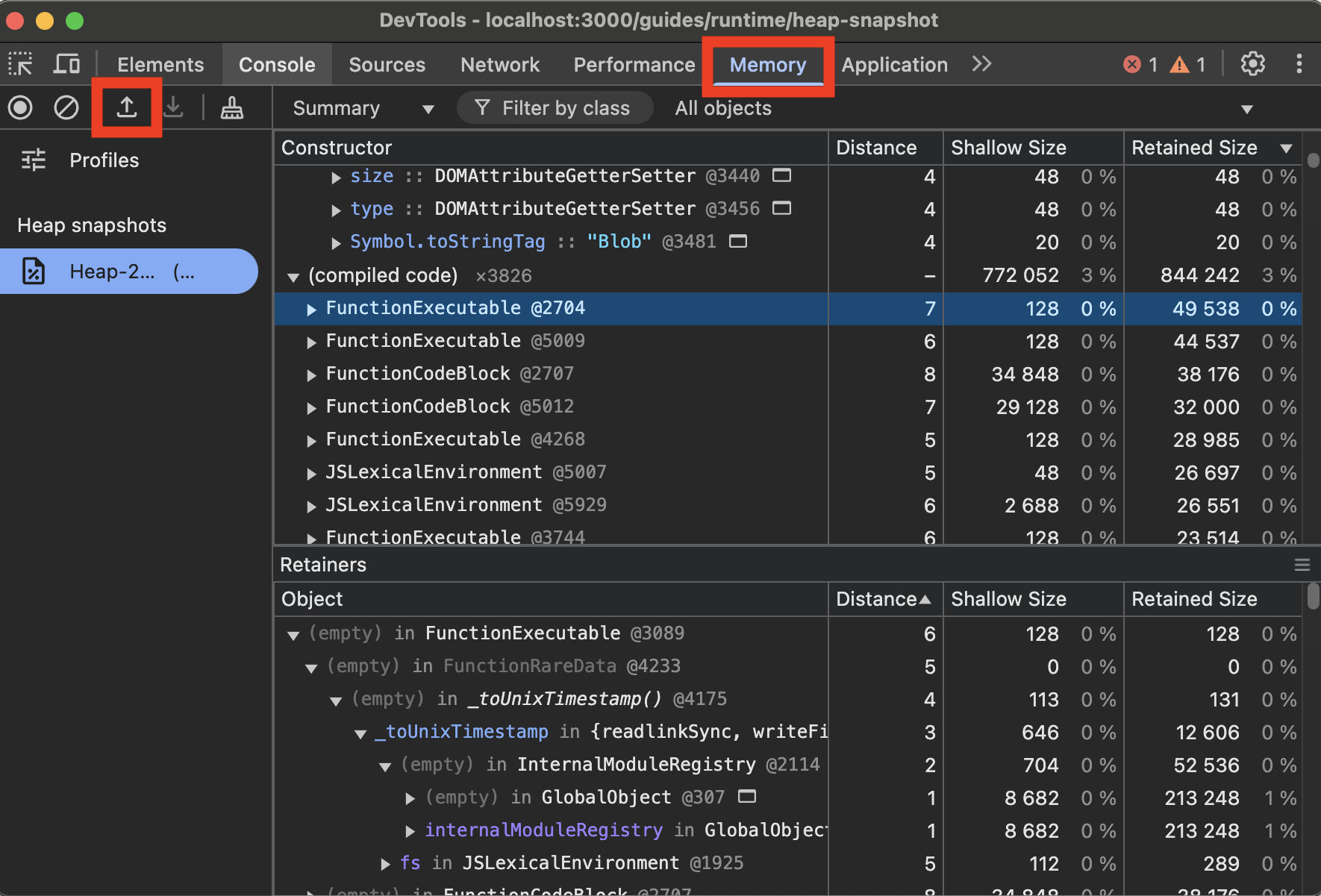
To view V8 heap snapshots in Chrome DevTools:- Open Chrome DevTools (F12 or right-click and select “Inspect”)
- Go to the “Memory” tab
- Click the “Load” button (folder icon)
- Select your
.heapsnapshotfile
 snapshot.ts
import v8 from "node:v8";
// Creates a heap snapshot file with an auto-generated name
const snapshotPath = v8.writeHeapSnapshot();
console.log(`Heap snapshot written to: ${snapshotPath}`);
.heapsnapshot fileWas this page helpful?